Wireshark is the undisputed champion when it comes to network protocol analysis. It is a dependable application used by system admins, cybersecurity professionals, and network engineers all over the globe. Originally launched in 1998 as Ethereal, it has evolved over time into a remarkably powerful open-source tool that allows users to capture and interactively browse the traffic running on a computer network.
It functions by putting the network interface into promiscuous mode, allowing it to intercept and display the microscopic details of network communications in real time. For Windows users, it is an indispensable diagnostic utility. Whether you are a developer verifying that an application correctly implements a specific API, a security analyst investigating command-and-control malware traffic, or a network engineer troubleshooting a sluggish office network, Wireshark provides the deepest possible visibility into what is actually happening on the wire.
Deep packet inspection
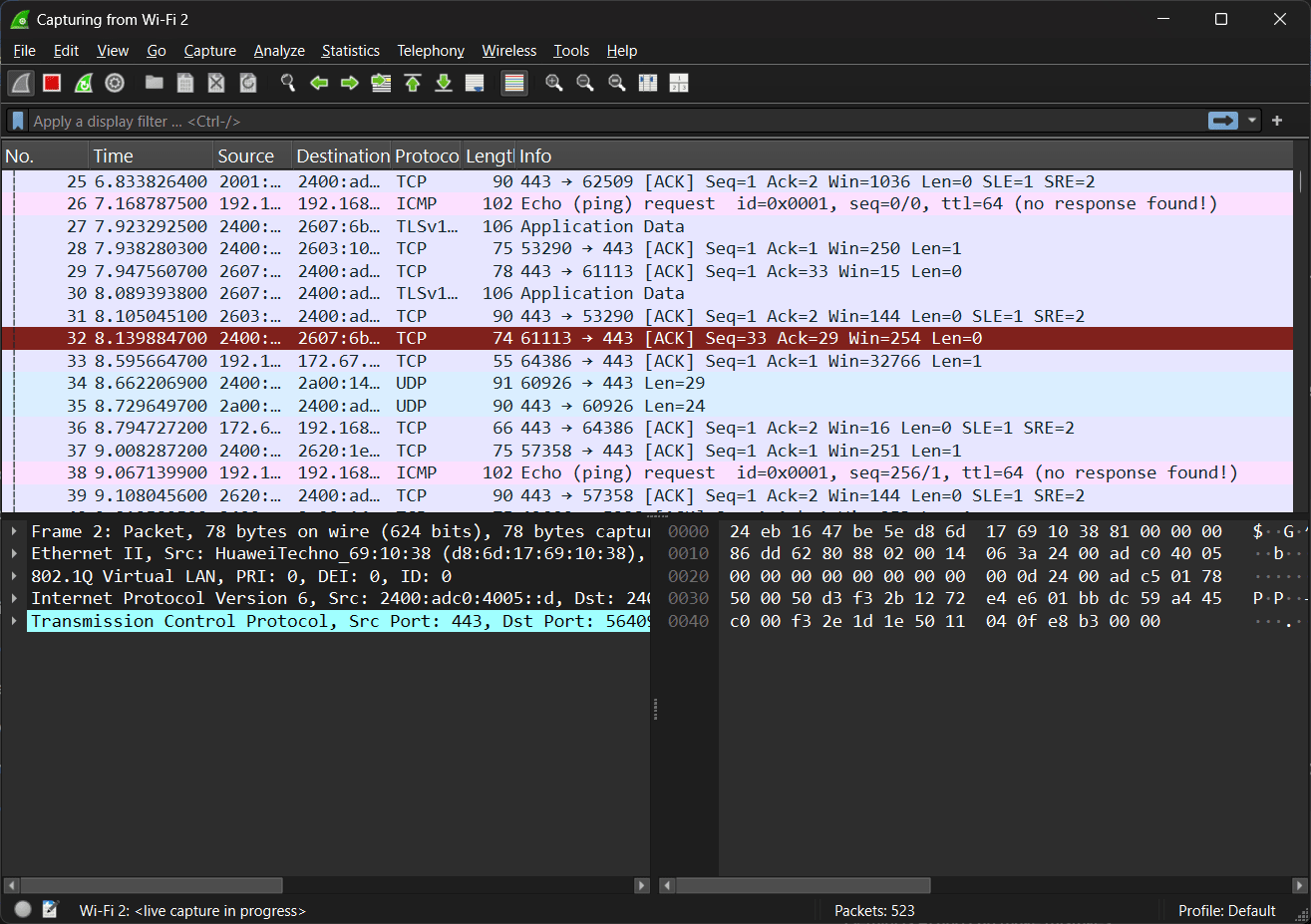
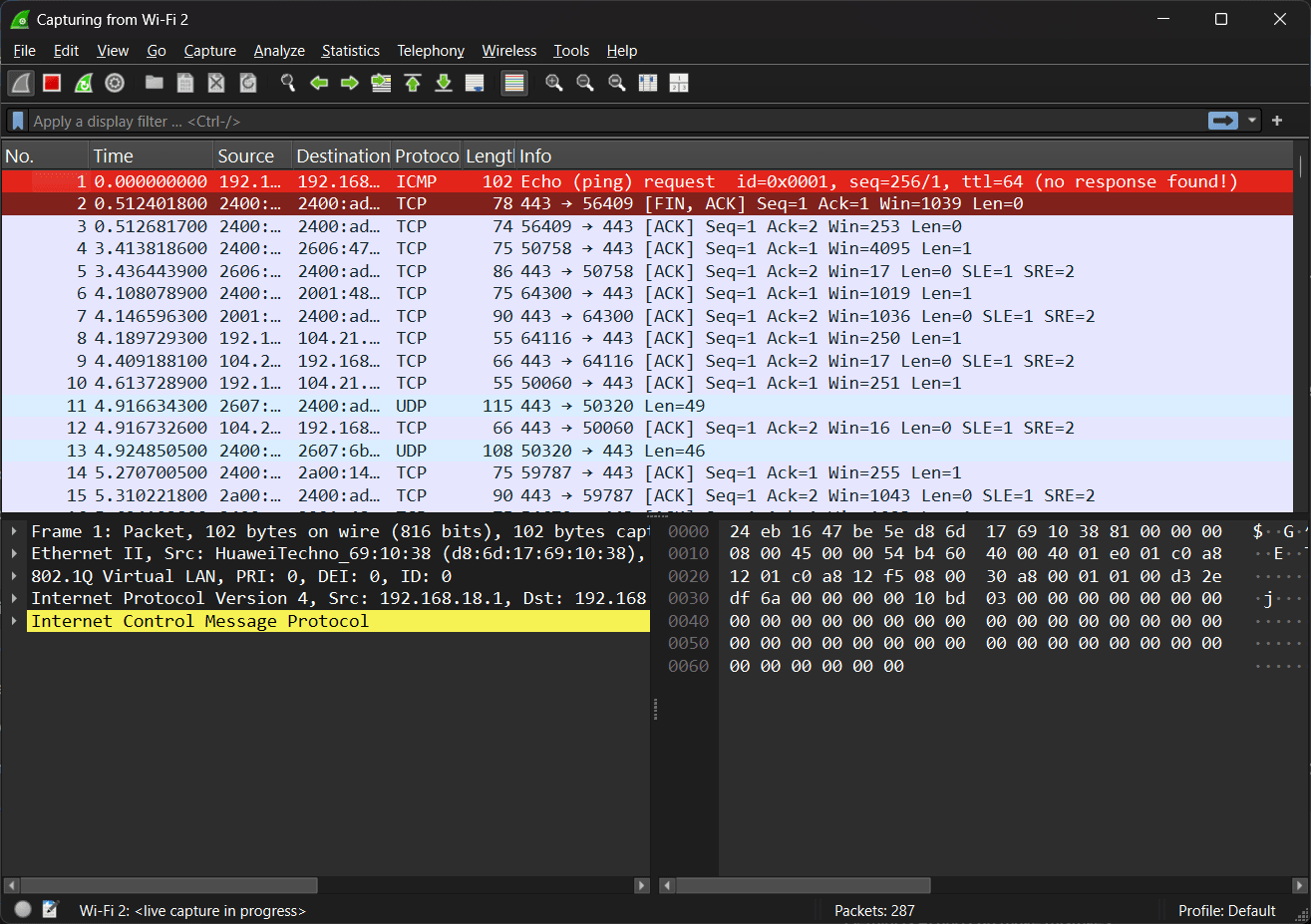
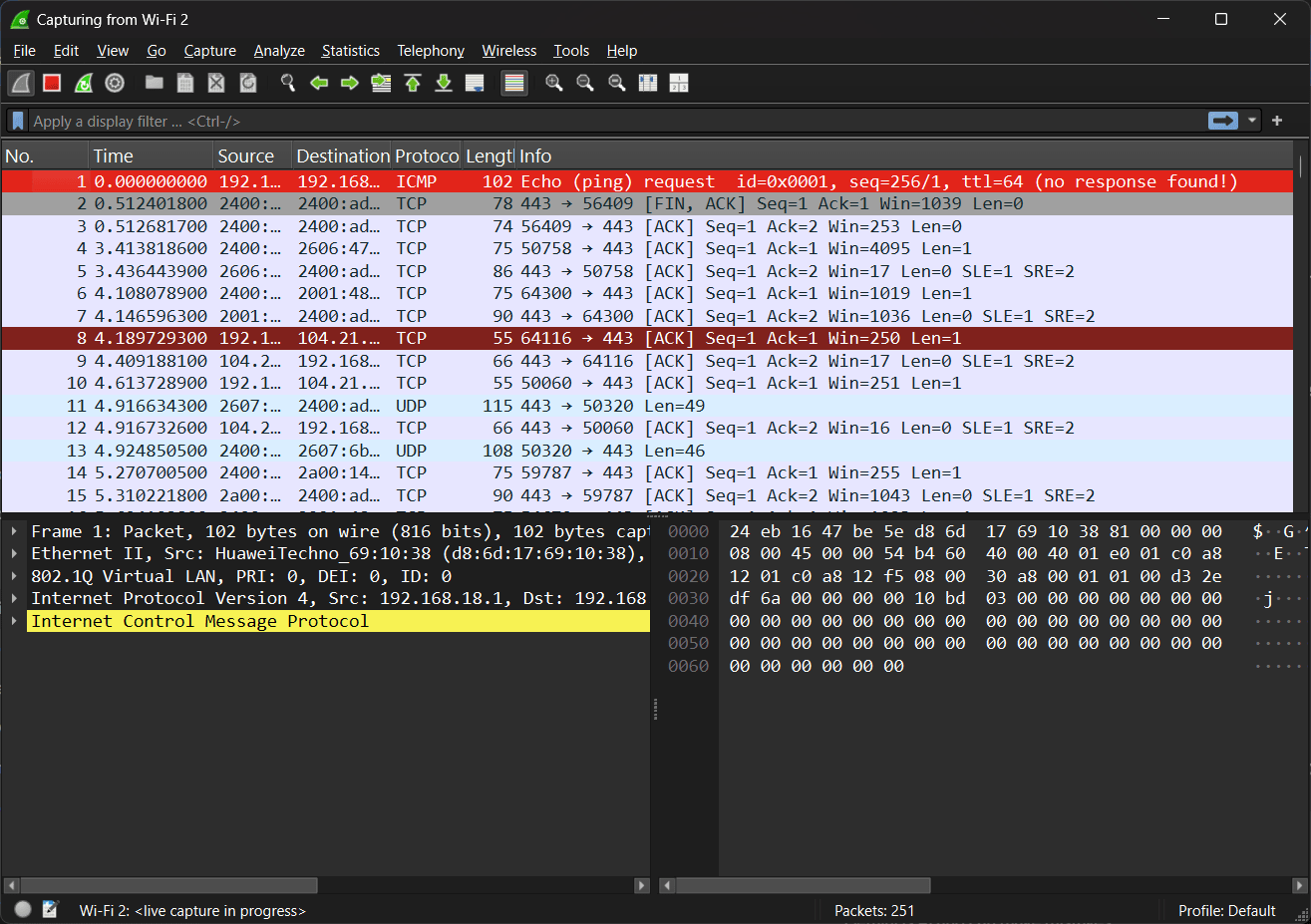
At its core, Wireshark excels at breaking down raw network data. It decodes and displays the fields of over 3,000 different networking protocols, ranging from basic Ethernet frames and IP packets to complex application-layer protocols like HTTP, DNS, and TLS. The interface provides a hierarchical breakdown of each packet, allowing users to expand headers and inspect the exact hex and ASCII payloads being transmitted.Advanced display filters
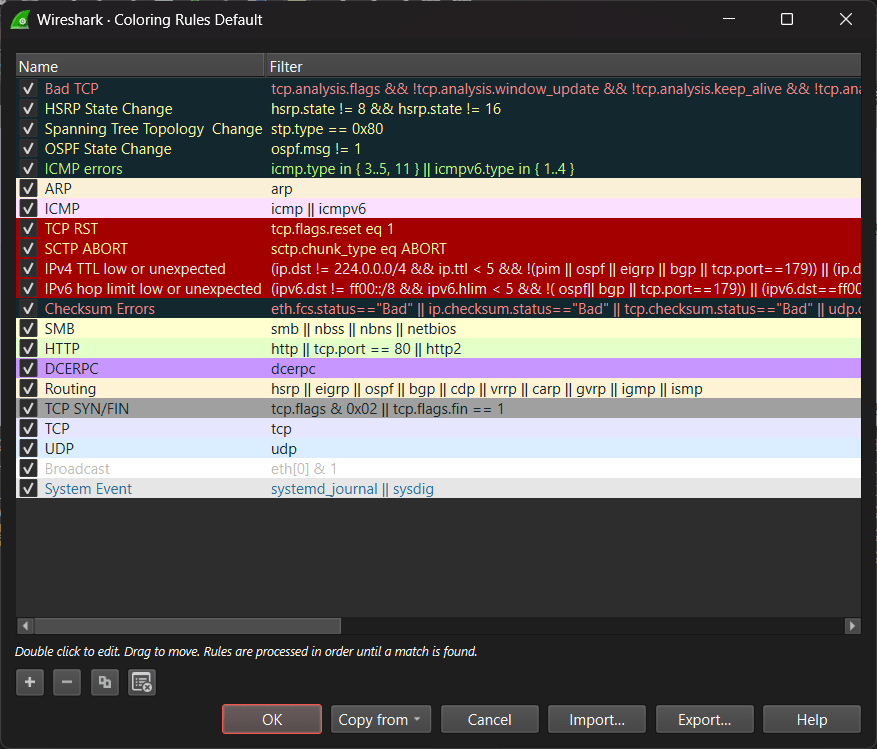
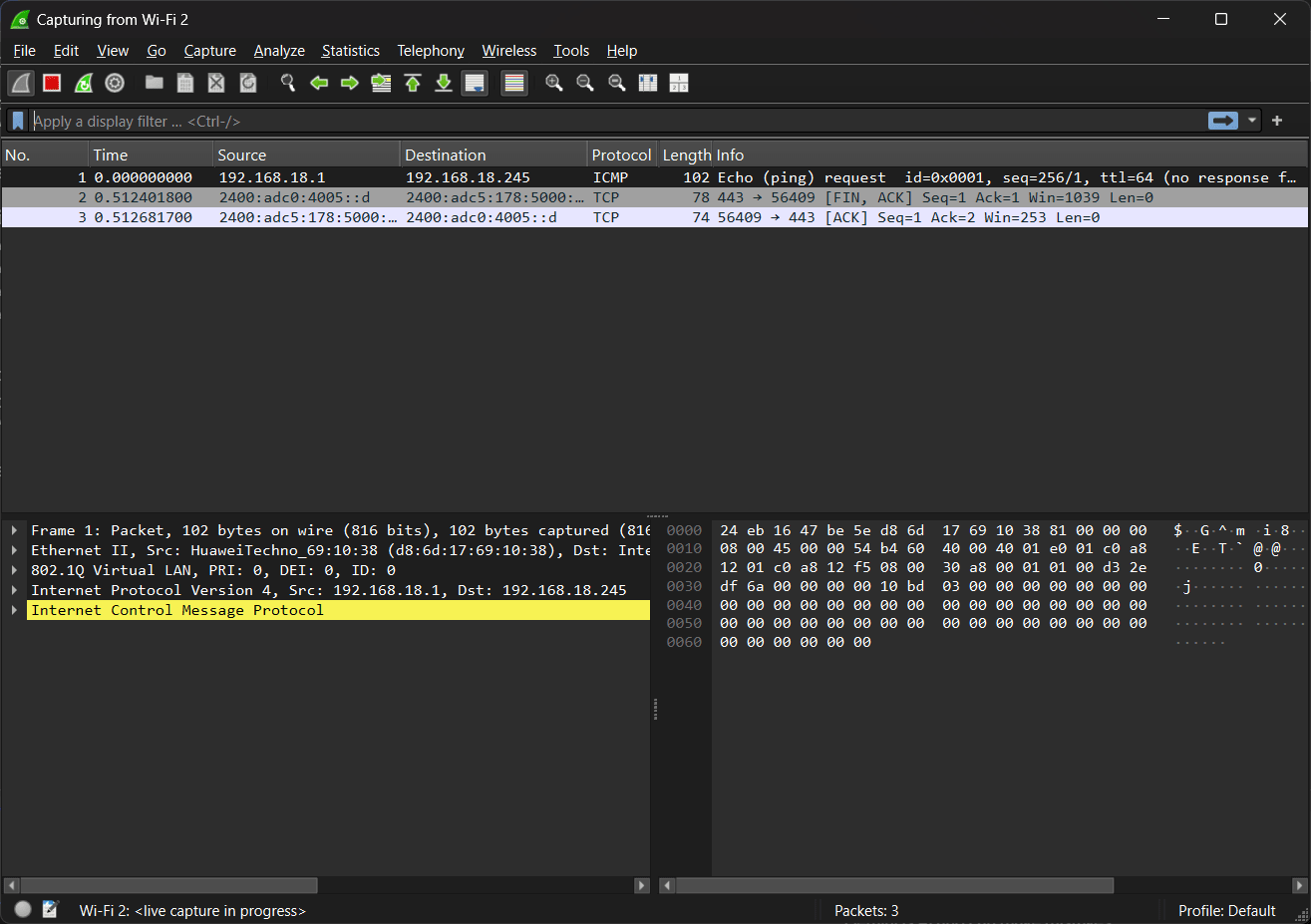
With thousands of updates streaming in every second, manually analyzing a cluttered feed is nearly impossible. Wireshark solves this with the most powerful display-filter engine in the industry. Users can write specific filter syntax (such as tcp.port == 443 or ip.addr == 192.168.1.100) to instantly isolate the exact traffic they are looking for. It also allows you to right-click a specific TCP or UDP packet and select "Follow Stream" to reconstruct the entire conversation in a readable text format.Live capture and offline analysis
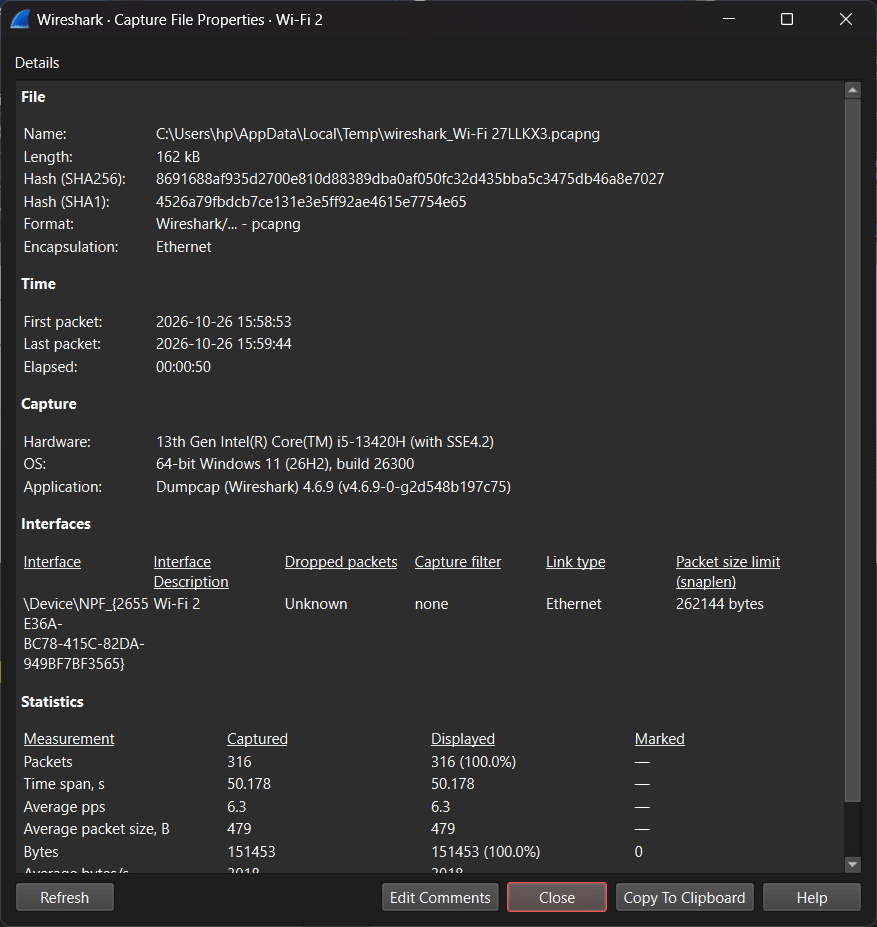
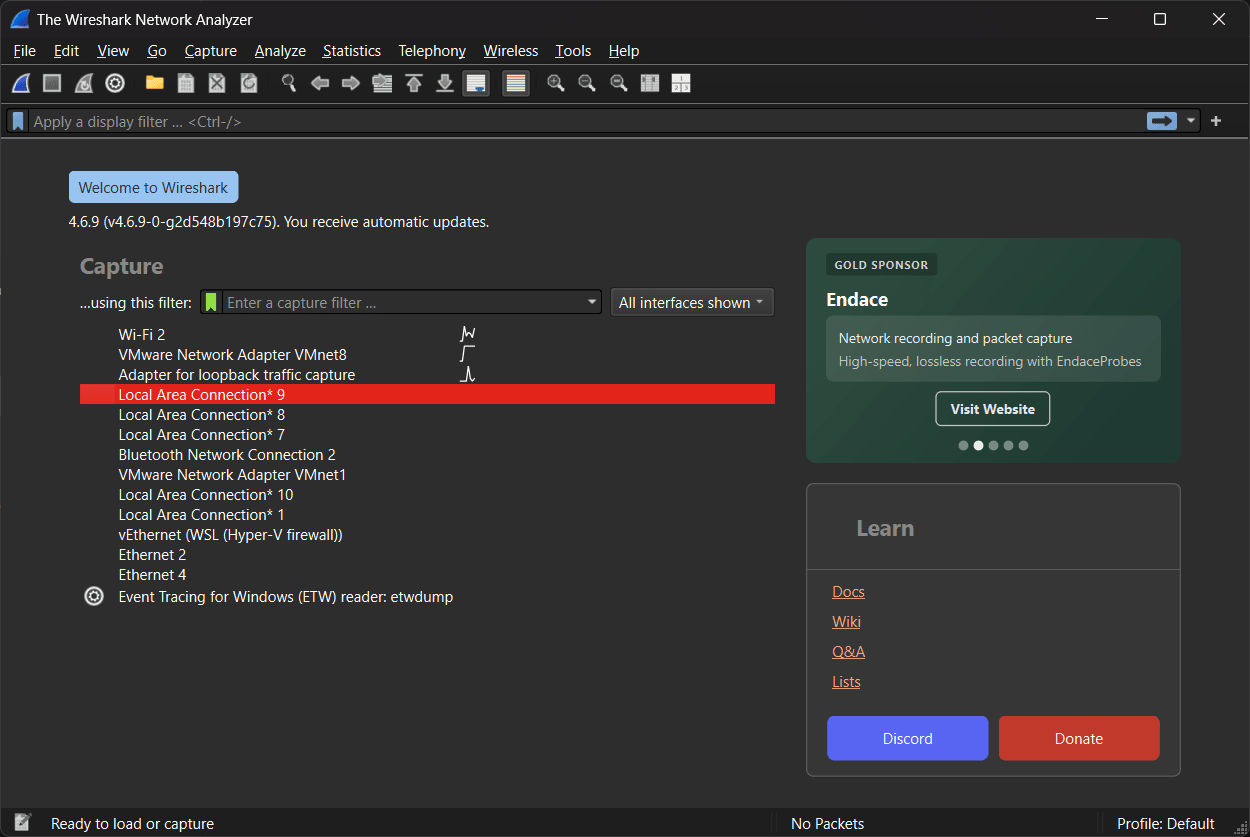
Wireshark supports capturing traffic live from a variety of Windows network interfaces, including Ethernet adapters and Wi-Fi cards. However, it is equally useful for offline analysis. Security engineers often capture traffic on headless Linux servers using command-line tools like tcpdump or tshark, save the output as a .pcap or .pcapng file, and then open that file in the Windows Wireshark GUI for comfortable visual analysis.Completely free and open-source
Maintained by a massive global community of networking experts and sponsored by the Wireshark Foundation, the software is entirely free and open-source.An essential diagnostic tool for network professionals
Wireshark is not a tool for the average consumer, but for anyone who manages, secures, or develops for networks, it is absolutely mandatory. Its unparalleled protocol support, powerful filtering capabilities, and free price tag cement its position as the ultimate network packet analyzer. While it demands a solid understanding of TCP/IP networking to be used effectively, mastering Wireshark is a fundamental rite of passage for any serious technology professional.